

Around 5 minutes to read · Updated 5 September 2026
Published by Serious Sports Training Academy
At a glance
- A useful starter website answers client questions and gives a clear next step.
- A payment link and an appointment diary do different jobs.
- Test cancellations, failed payments and confirmations as well as a successful booking.
- Know who owns each account and what it costs to keep the setup running.
Give the website a clear job
A starter website can be compact if it contains the information people need. Lead with your service and actual location, then help a visitor check your qualification, understand an appointment and decide whether to enquire. Use direct language that matches how you speak to a client.
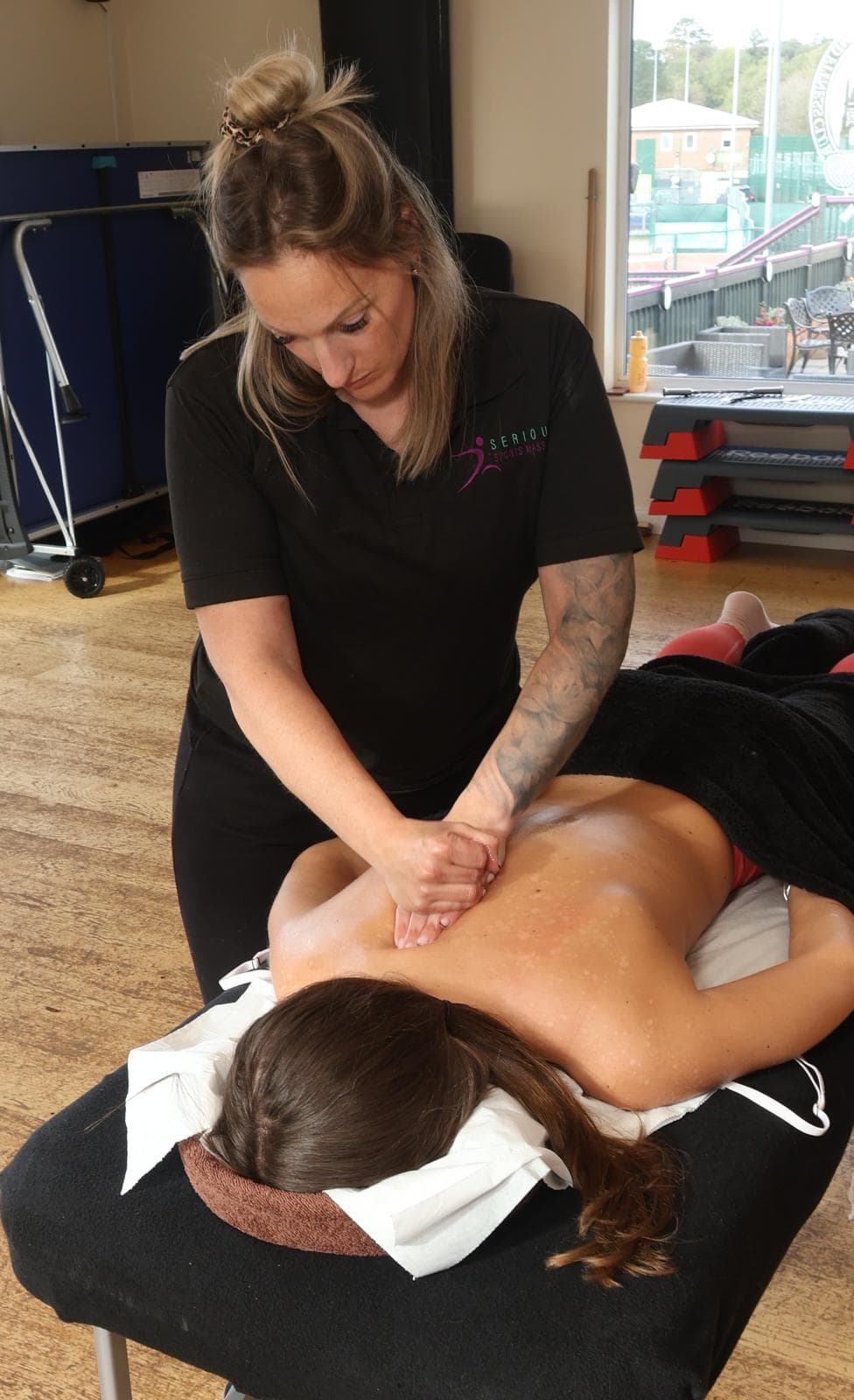
Original photographs can show who you are and what the setting looks like when you have the right permissions. Do not use a stock photograph in a way that implies it shows your treatment room or clients. Check the site on a phone, including text size, links, forms and the booking journey.
- Services and prices
- What can I book, how long does it take and what does it cost?
- About and qualifications
- Who will I see, and what are they trained to do?
- First appointment
- What happens, what should I bring and how can I ask about suitability?
- Location and access
- Where do I go, or which area do you visit?
- Booking and contact
- How do I find a time or ask a question?
- Policies and privacy
- What happens if plans change, and how is my information handled?
Scroll sideways to compare the columns. Row labels stay visible.
| Content | Question it answers |
|---|---|
| Services and prices | What can I book, how long does it take and what does it cost? |
| About and qualifications | Who will I see, and what are they trained to do? |
| First appointment | What happens, what should I bring and how can I ask about suitability? |
| Location and access | Where do I go, or which area do you visit? |
| Booking and contact | How do I find a time or ask a question? |
| Policies and privacy | What happens if plans change, and how is my information handled? |
Choose the booking flow before the tool
Some practices need an enquiry before a first appointment; others use a booking system with a suitable intake process. Decide which approach fits your service before choosing an application. Set appointment lengths, buffers, working hours and how far ahead a client can book.
An integrated booking system can coordinate the diary and payment steps. A standalone payment link collects payment but should not be assumed to reserve an appointment. For example, Stripe documents hosted Payment Links, while Square describes appointment scheduling and payment features. These are capability examples, not a recommendation or a promise that a particular plan suits your business.
Make payment expectations visible
Explain the full appointment price, whether payment or a deposit is due at booking, and how cancellations or rescheduling work before a client confirms. The wording in the website, booking screen and confirmation should agree. Get appropriate advice for the terms that apply to your service.
Check transaction costs, payout timing, refund handling and any paid features against the provider’s current terms. Account checks may need to be completed before live payments are available. Use the provider’s secure checkout; do not ask clients to send card details through an enquiry form or social message.
Run a complete client-journey check
Use the provider’s test environment where available. Involve someone who has not seen the setup before and watch where they hesitate. Do not consider the system ready simply because the website button opens a payment page.
- The service description and price match on the website and booking screen.
- Availability respects existing bookings, buffers and blocked time.
- A successful booking appears in the correct diary and sends the intended confirmation.
- A declined or abandoned payment does not create an unexplained confirmed appointment.
- Cancellation and rescheduling behave according to the stated policy.
- A client can find a contact route if they cannot complete the online flow.
Keep control of your business accounts
Before someone builds a website for you, agree the domain, hosting, editing access, support and handover in writing. Know which accounts are yours, who else has access and how to remove access when an arrangement ends. Use individual logins and available account security controls.
List renewal costs separately from the initial build. Ask what happens if you need to change your prices, move providers, export appointment information or close the business. A small setup you can operate confidently is more useful than a complex setup that requires help for every change.
Keep ordinary booking details and clinical consultation records appropriately separated. Health information is special category data. Choose how to collect, access, retain and delete it with suitable guidance; do not treat a payment system as a complete client-record solution.
Common questions
Frequently asked questions
Can I start with a one-page website?
Yes, if it clearly explains your services, qualification, location, prices, client expectations and next step. The right size depends on the information your clients need. More pages alone do not make the site more useful.
Does a payment link reserve a time in my diary?
Do not assume so. Check whether and how the payment provider is connected to your booking system. Test that a payment, appointment and confirmation remain in sync.
Does the SSTA workshop include ongoing software costs?
Ask SSTA to confirm the workshop scope and price, website ownership, support and any separate domain, hosting, booking software or transaction charges before deciding.
Sources and further reading
Continue researching